Notifications & announcements
The notification bell keeps you informed of things that need attention — without interrupting service flow.
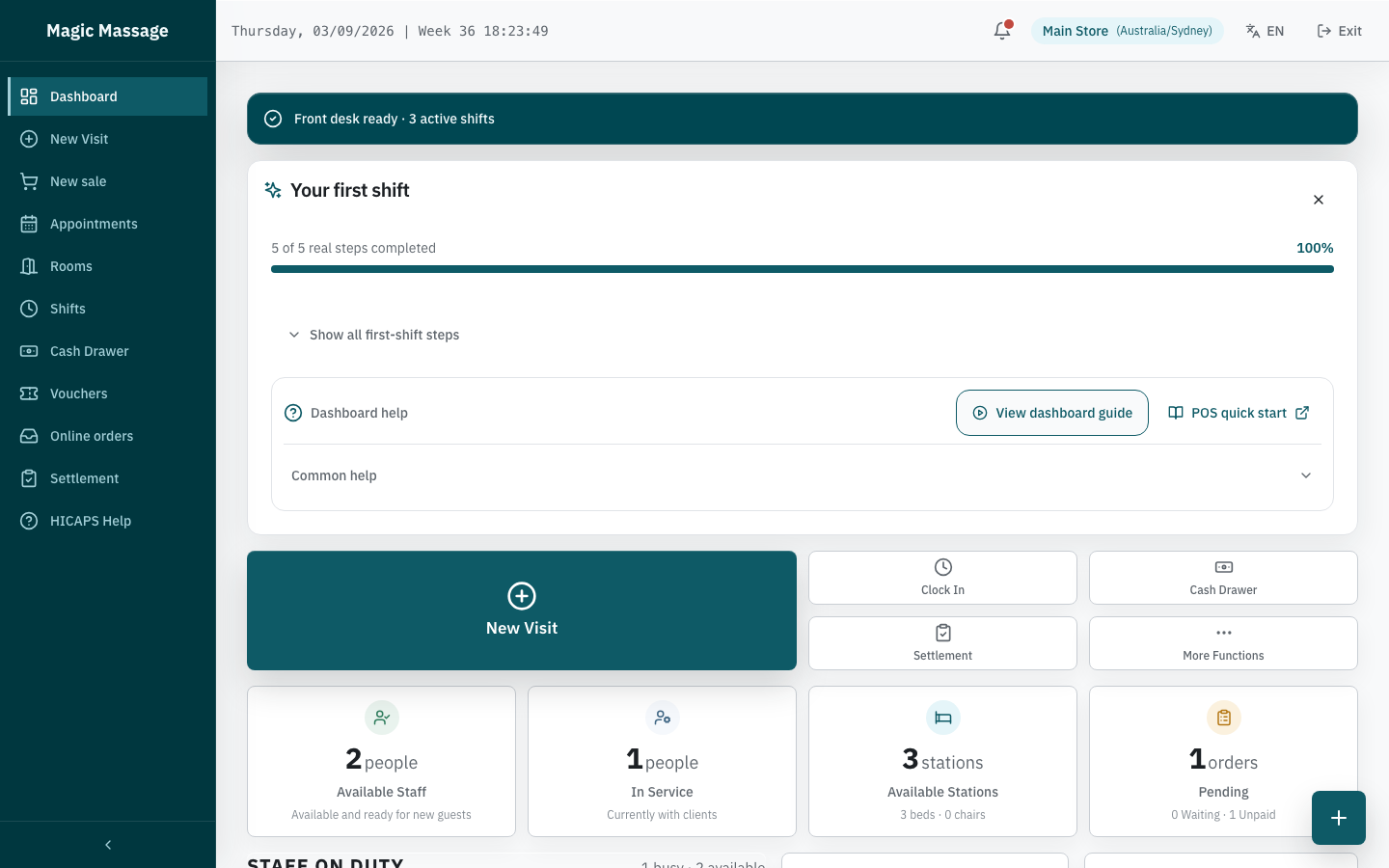
The notification bell
The bell icon sits in the top bar (POS and Admin). A red dot means unread items exist.
- The bell polls for new notifications every ~30 seconds.
- Tap the bell to open the notification panel.
The notification panel
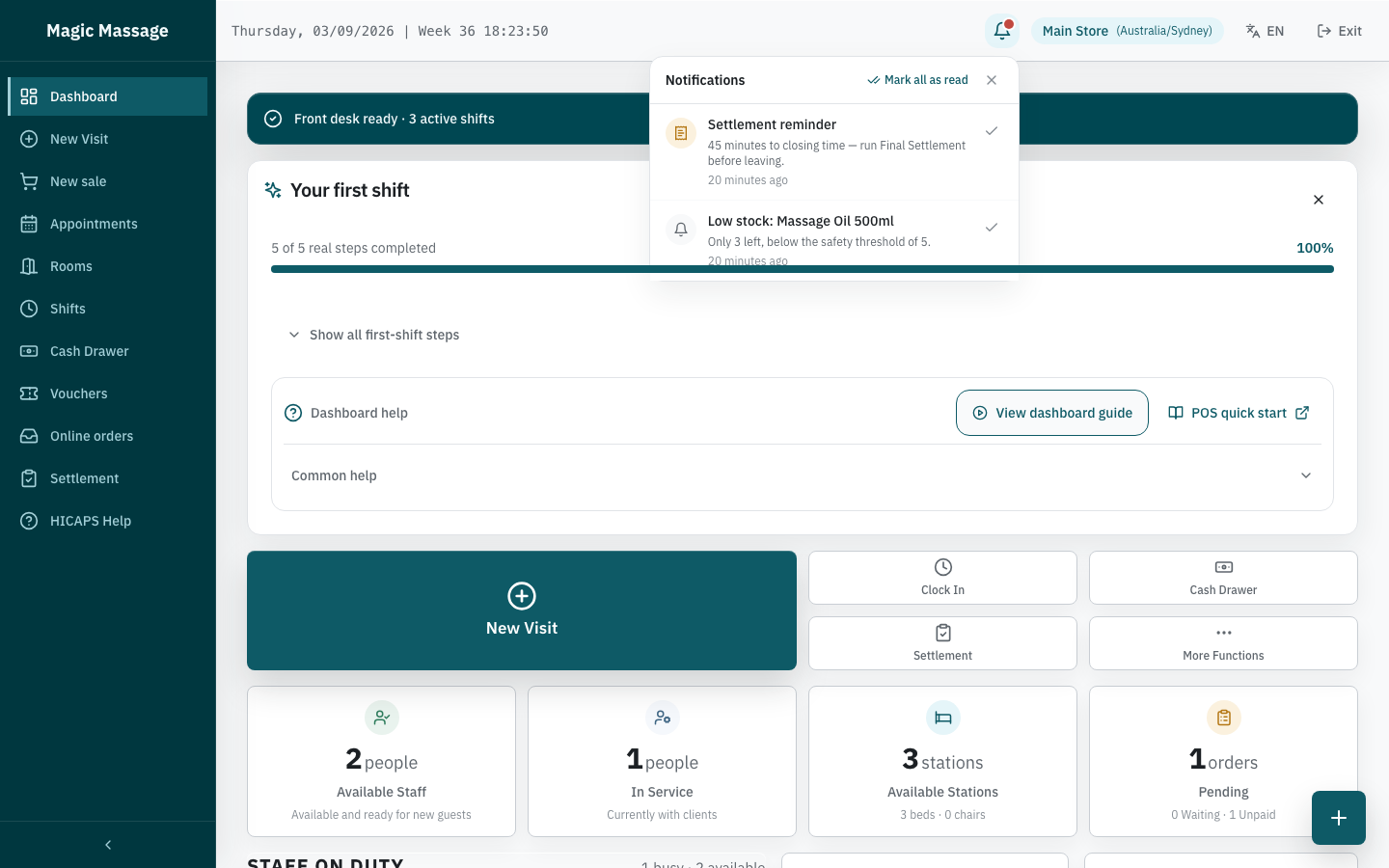
The panel shows a scrollable list, sorted unread-first then by time. Each item has a category icon:
| Icon colour | Category | Example |
|---|---|---|
| Amber receipt | Settlement reminder | "Closing time approaching — Final Settlement not yet completed" |
| Teal info | Platform announcement | "Scheduled maintenance tonight 02:00–03:00 AEST" |
| Grey bell | Everything else (open-visit reminders, visa expiry, low stock) | "Staff visa expiring in 7 days — John Smith" |
Approval reminders (for example a cash variance awaiting approval) appear only in the Admin bell, never on POS.
Actions on notifications
- Tap an actionable notification (those with a link) to navigate directly to the relevant page.
- Mark as read — tap the checkmark on a single item, or use Mark all as read at the top.
- On POS, marking as read only needs a selected operator — no PIN.
- Platform announcements can be expanded to read the full body text.
What triggers notifications
| Trigger | Who sees it | Automatic? |
|---|---|---|
| A Visit is still open (one reminder per open Visit per business day) | Store POS | Yes (Celery task) |
No Final Settlement shortly before closing time — fires N minutes before the configured close (default 5; store setting notification.settlement_reminder_before_close_minutes), checked every 5 minutes | Store POS | Yes (Celery task) |
| Staff visa expiring (30/7/1 days) | Store POS + Admin | Yes (Celery task) |
| Low inventory stock | Store POS | Yes (on stock movement) |
| Platform announcement published | All stores | Manual by platform admin |
Notification lifecycle
- Notifications that are read and older than 30 days are automatically cleaned up.
- Unread notifications older than 90 days are also cleaned up.
- Notifications with an expiry date disappear after that date.
- The same alert is not repeated within 24 hours.
- Nothing is "pushed" to your phone — notifications only appear when POS or Admin is open.
Platform announcements
Platform-wide notices (maintenance windows, new features, policy changes) appear as:
- A banner across the top of the page (dismissible).
- An item in the notification panel (expandable for full details).
These are published by the platform team and are not store-specific.
Tips
- Check the bell at shift start — catch open-visit reminders or platform notices.
- Don't ignore settlement reminders — they prompt staff to complete the deliberate Final Settlement on POS; the reminder does not create or close anything automatically.
- Visa expiry notices are a compliance signal — act on them before the deadline, not after.